



Deployment Protection Exception
Deployment Protection Exceptions are available on Enterprise plans or with the Advanced Deployment Protection add-on for Pro plans
You can use Deployment Protection Exceptions to disable Deployment Protection (including Vercel Authentication, Password Protection, and Trusted IPs) for a list of preview domains.
When you add a domain to Deployment Protection Exceptions, it will automatically become publicly accessible and will no longer be covered by Deployment Protection features. When you remove a domain from Deployment Protection Exceptions, the domain becomes protected again with the project's Deployment Protection settings.
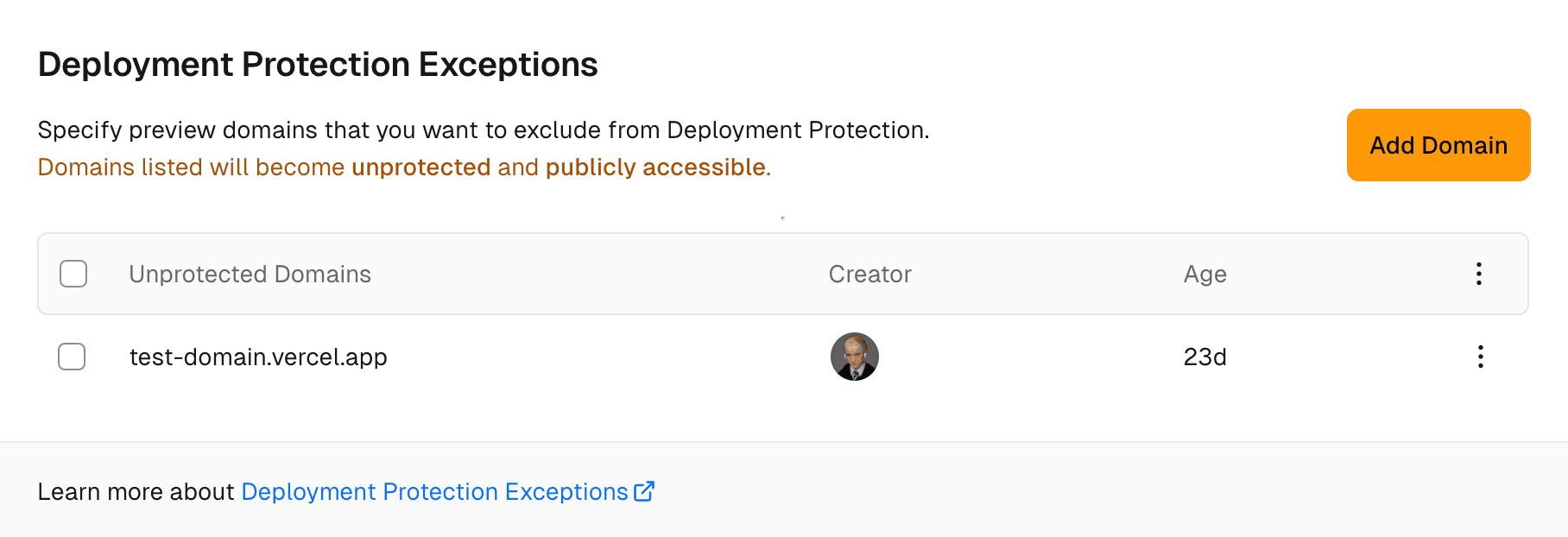
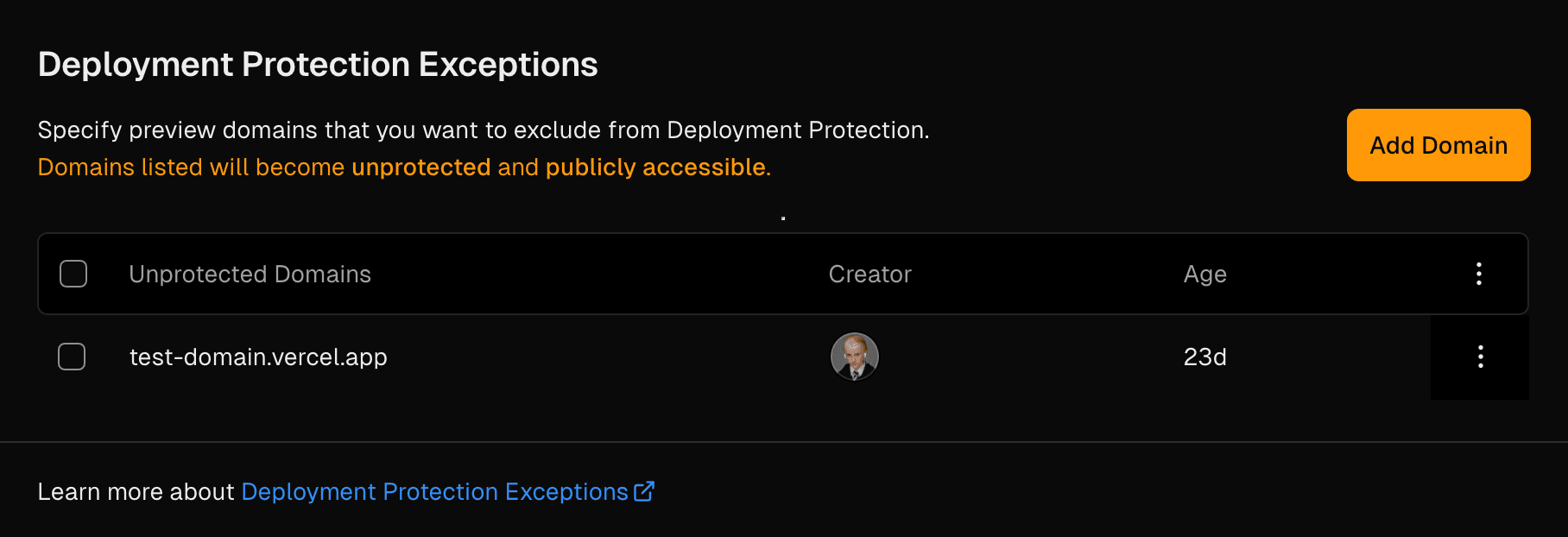
Deployment Protection Exceptions is designed for Preview Deployment domains, if you wish to make a Production Deployment domain public, see Configuring Deployment Protection.
From your Vercel dashboard:
- Select the project that you wish to enable Password Protection for
- Go to Deployment Protection in the sidebar
From the Deployment Protection Exceptions section, select Add Domain:
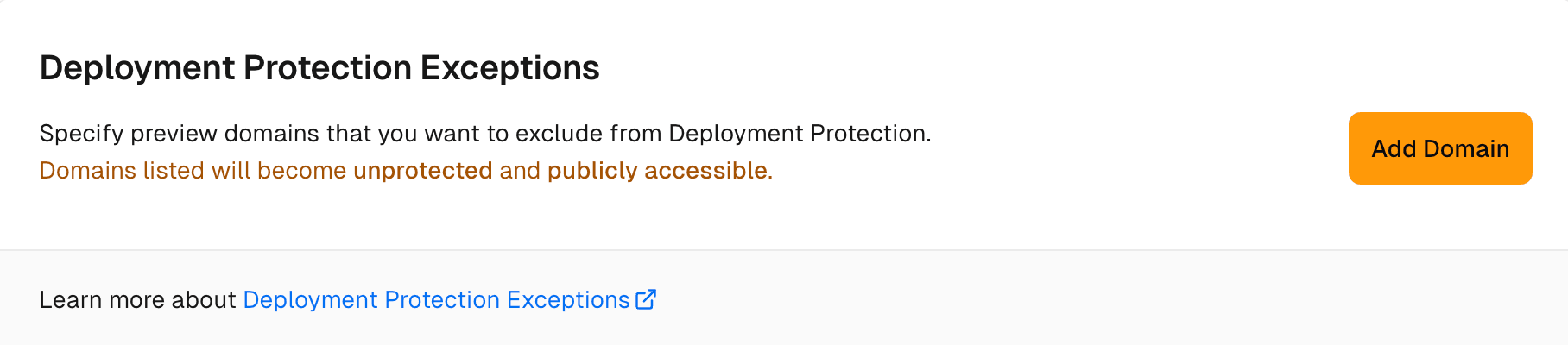
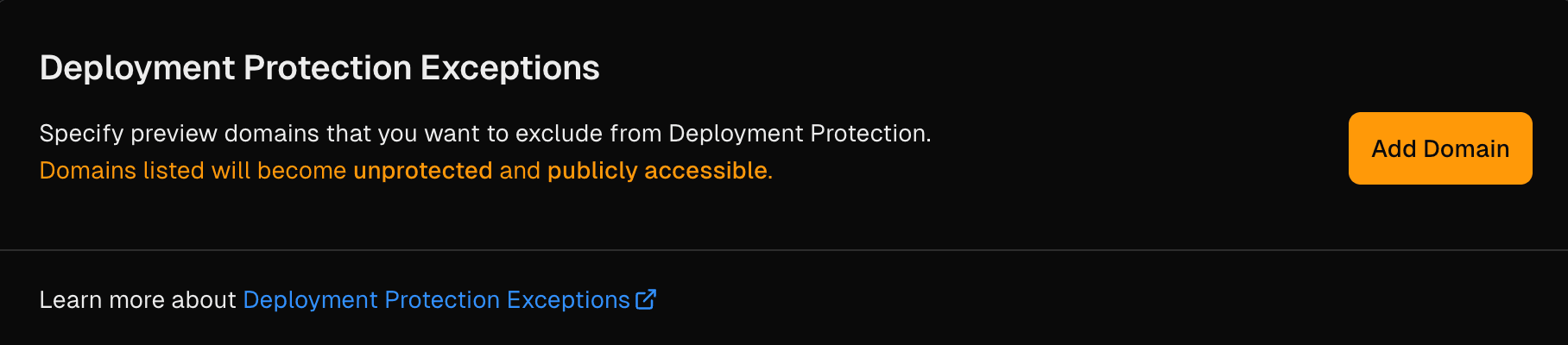
Add Deployment Protection Exception. From the Unprotect Domain modal:
- Enter the domain that you wish to unprotect in the input
- Select Continue
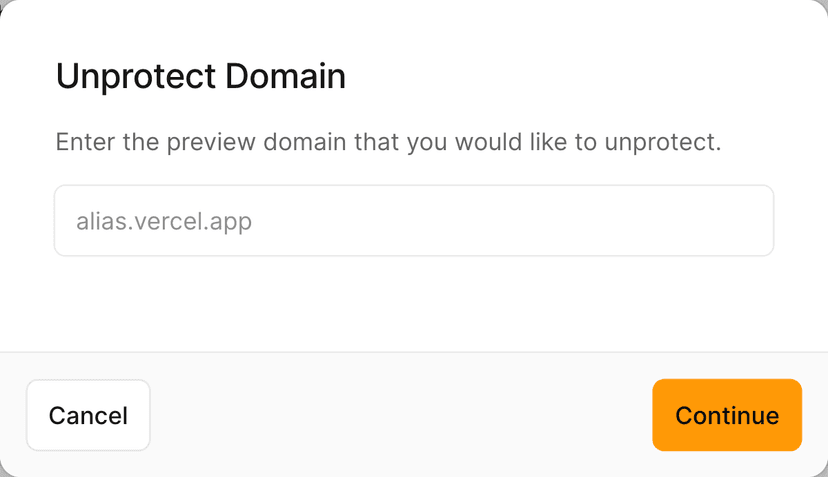
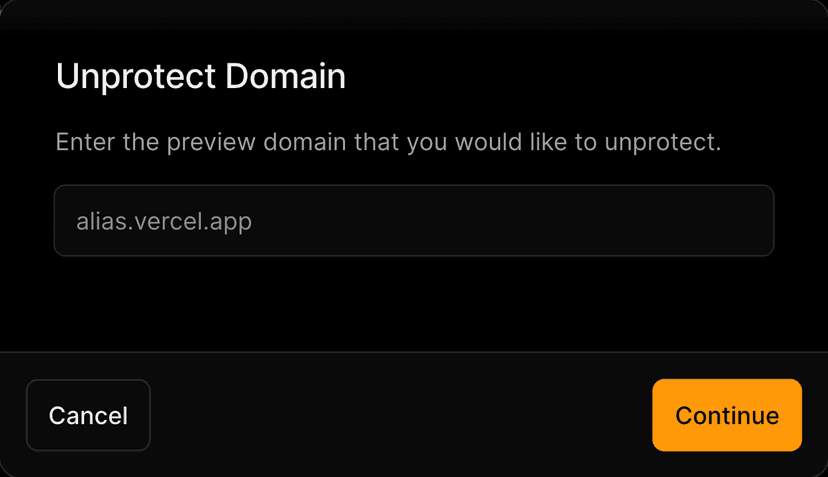
Add Deployment Protection Exception. From the Unprotect Domain modal:
- Confirm the domain by entering it again in the first input
- Enter
unprotect my domainin the second input - Select Confirm
All your existing and future deployments for that domain will be unprotected.
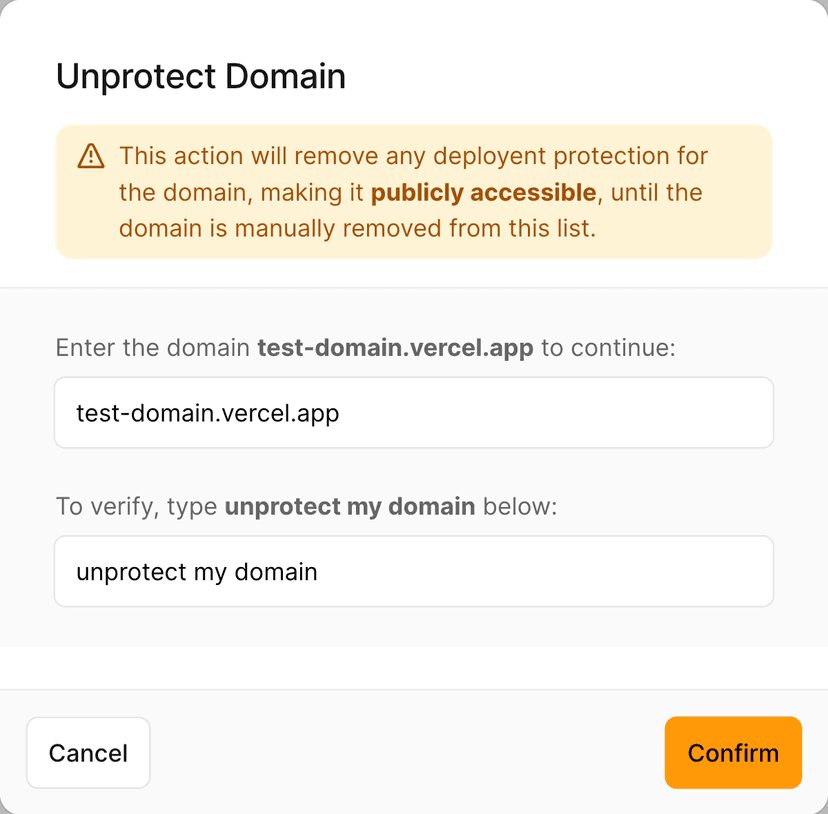
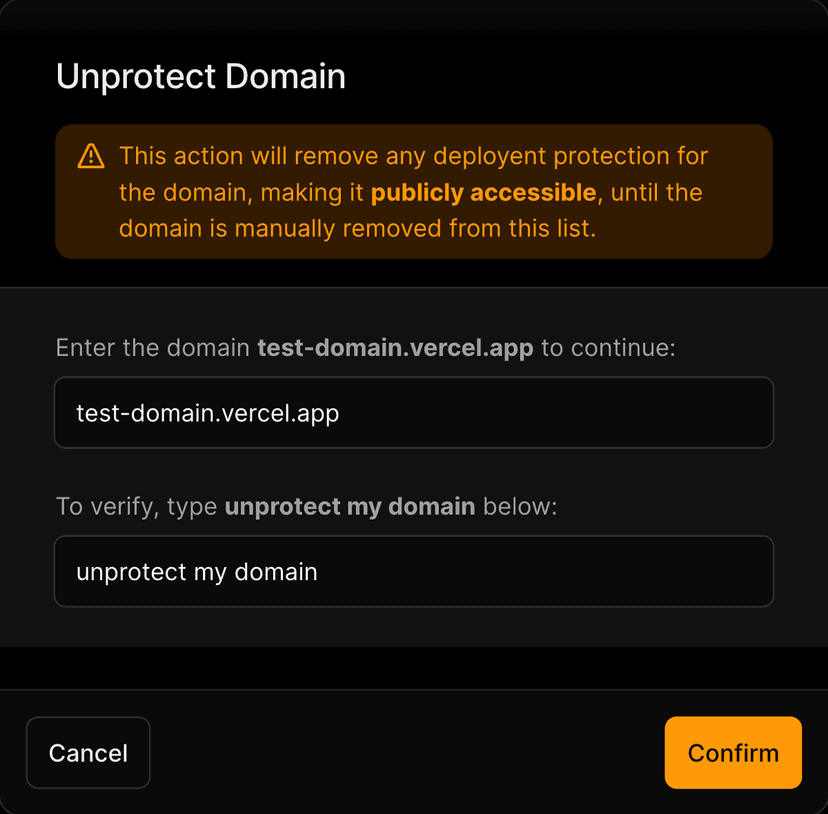
Add Deployment Protection Exception.
From your Vercel dashboard:
- Select the project that you wish to enable Password Protection for
- Go to Deployment Protection in the sidebar
From the Deployment Protection Exceptions section:
- Find the domain row in the Unprotected Domains section
- Select the dot menu at the end of the row
- From the context menu, select Remove
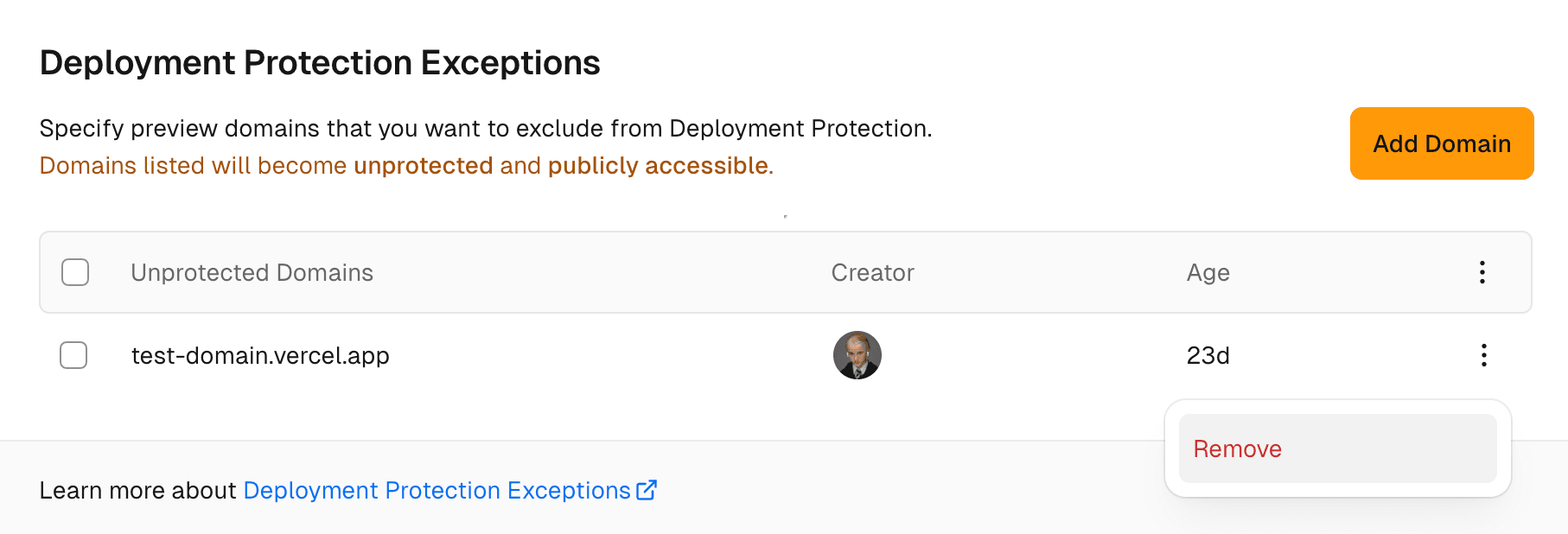
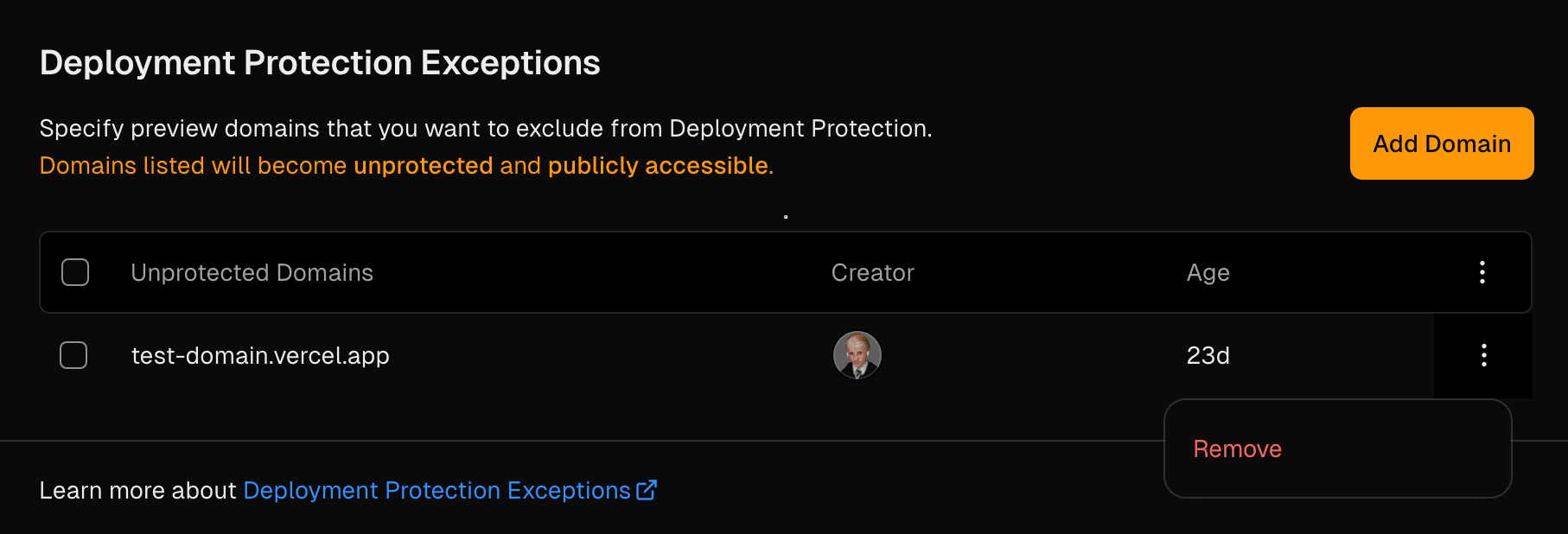
Removing Deployment Protection Exception. From the Reprotect Domain modal:
- In the modal, type the domain in the first input
- Type
reprotect my domainin the second input - Select Confirm
All your existing and future deployments for that domain will be protected.
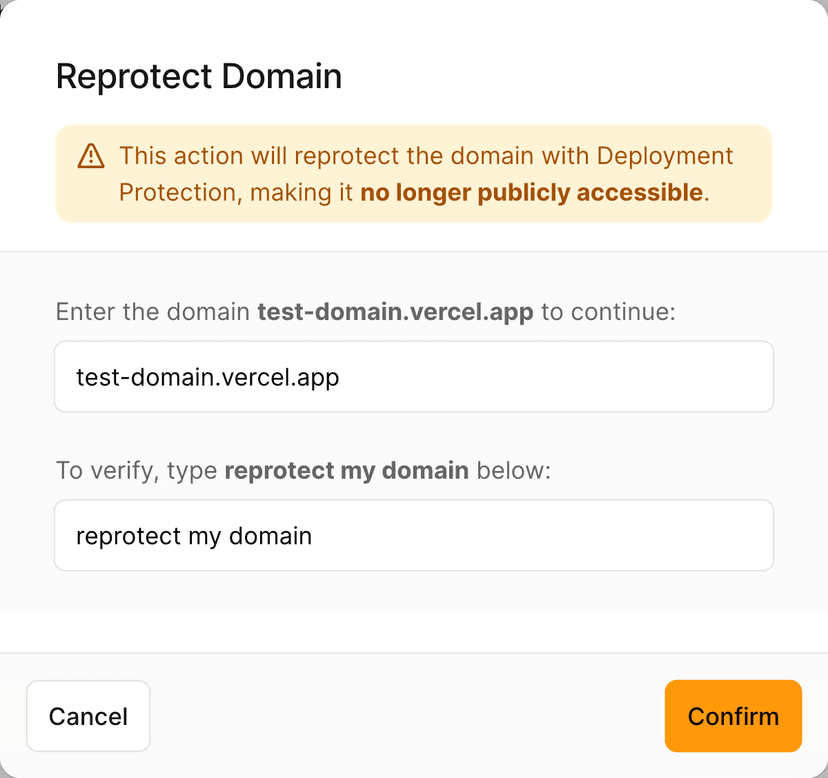
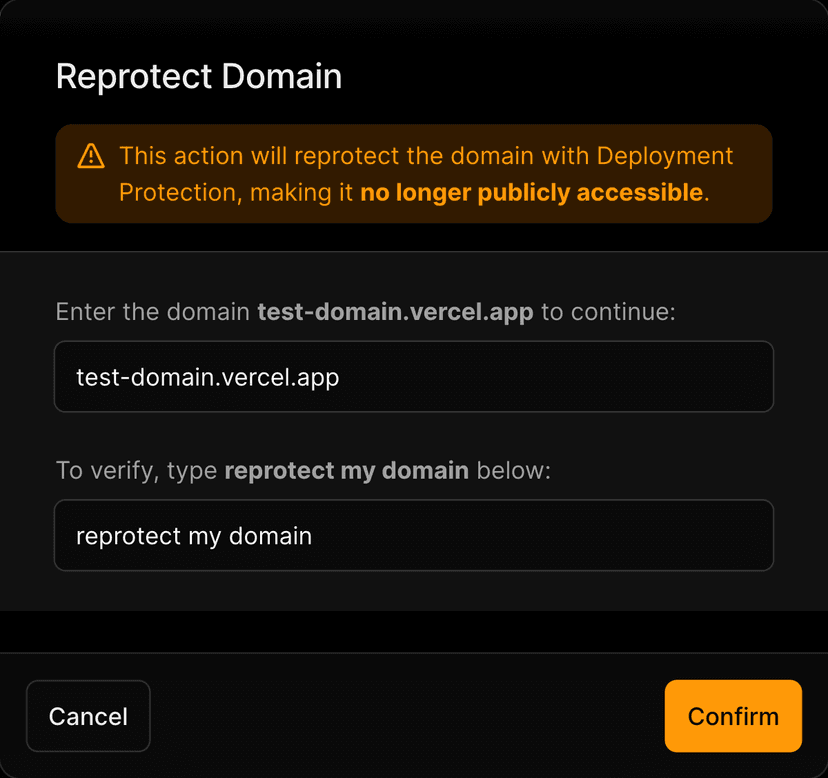
Removing Deployment Protection Exception.
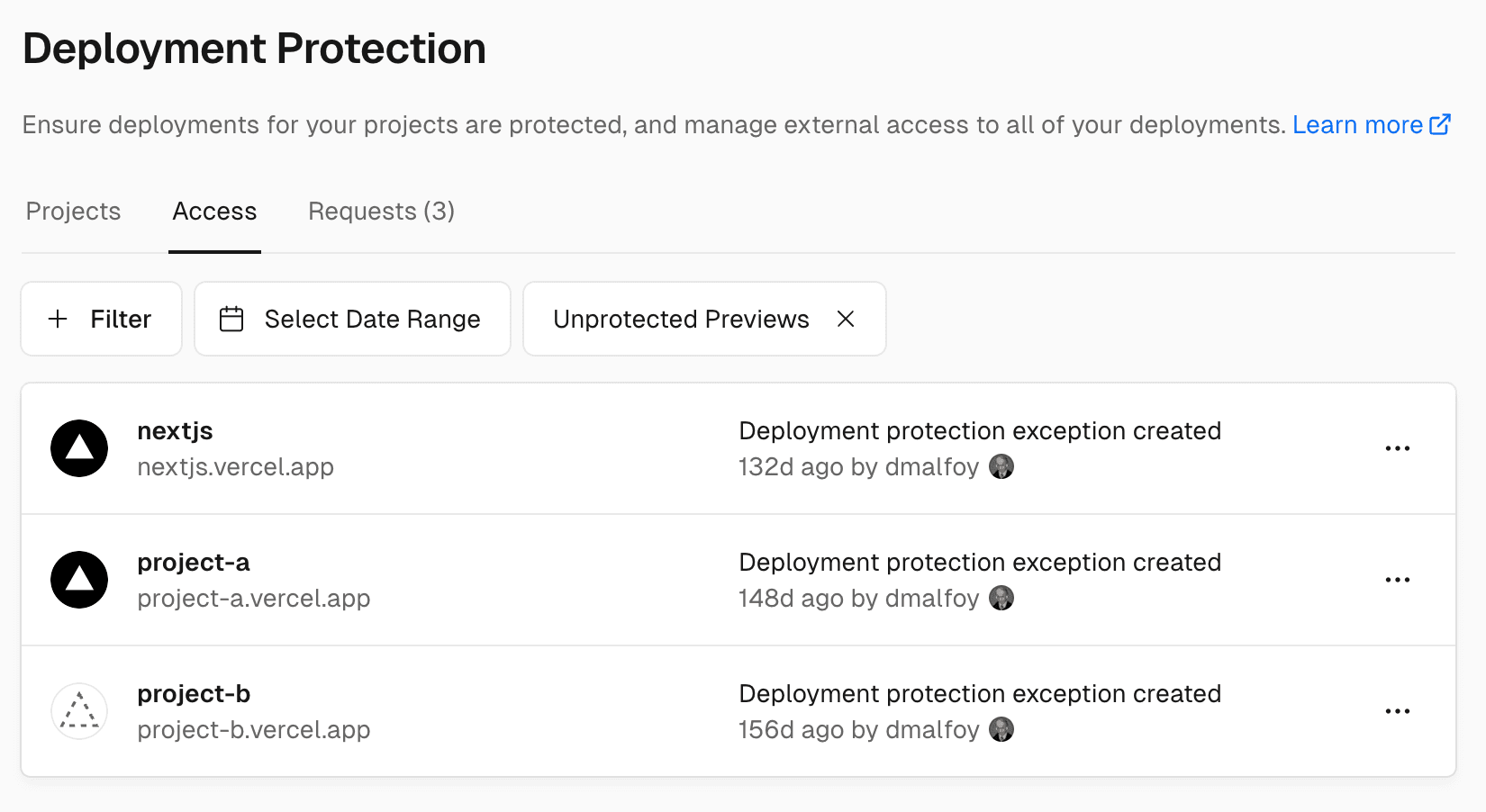
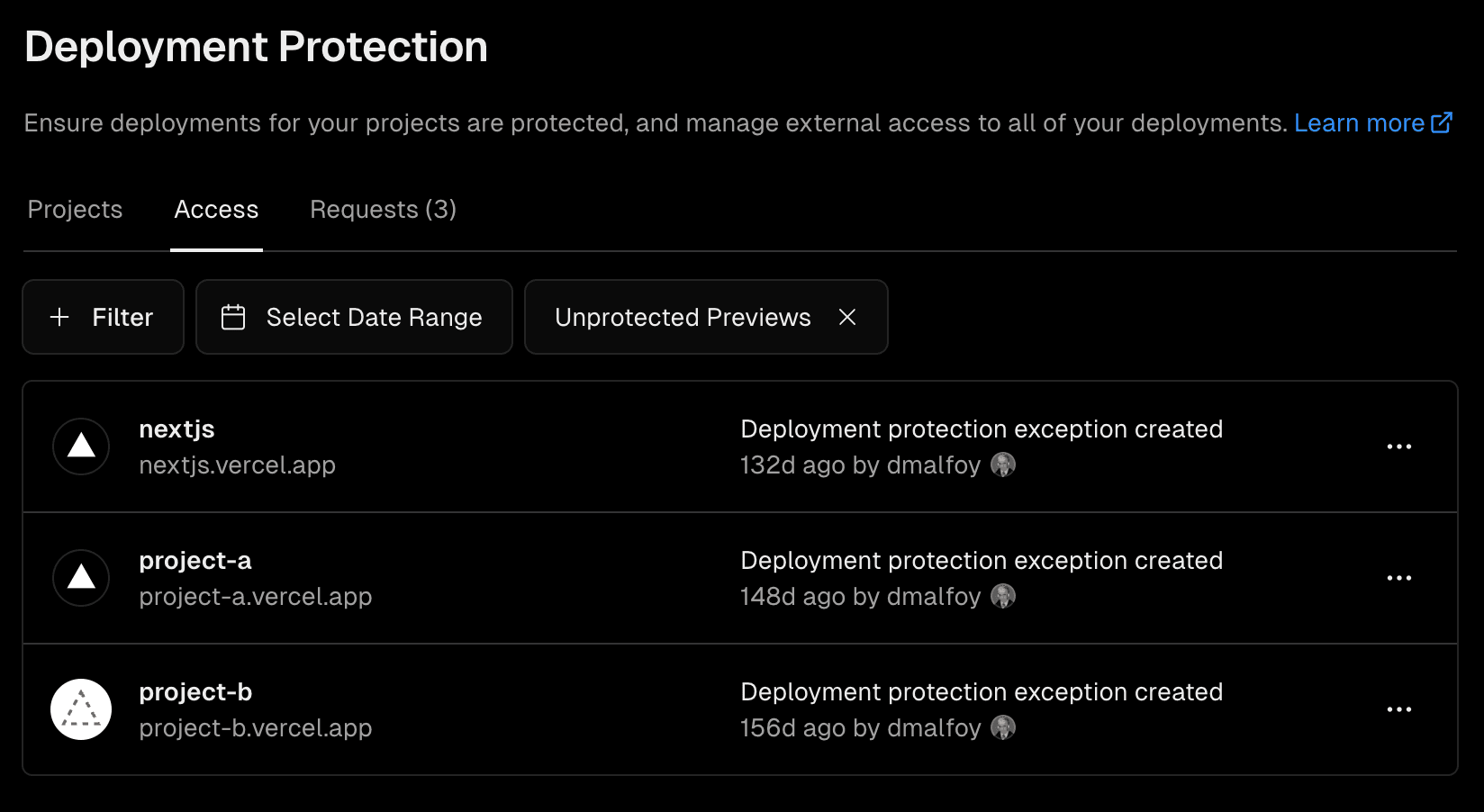
You can view and manage all the existing Deployment Protection Exceptions for your team in the following way
- From your dashboard, go to Deployment Protection in the sidebar
- Choose the Access section in the sidebar
- Click the All Access button and select
Unprotected Previews
Was this helpful?