

Back to Templates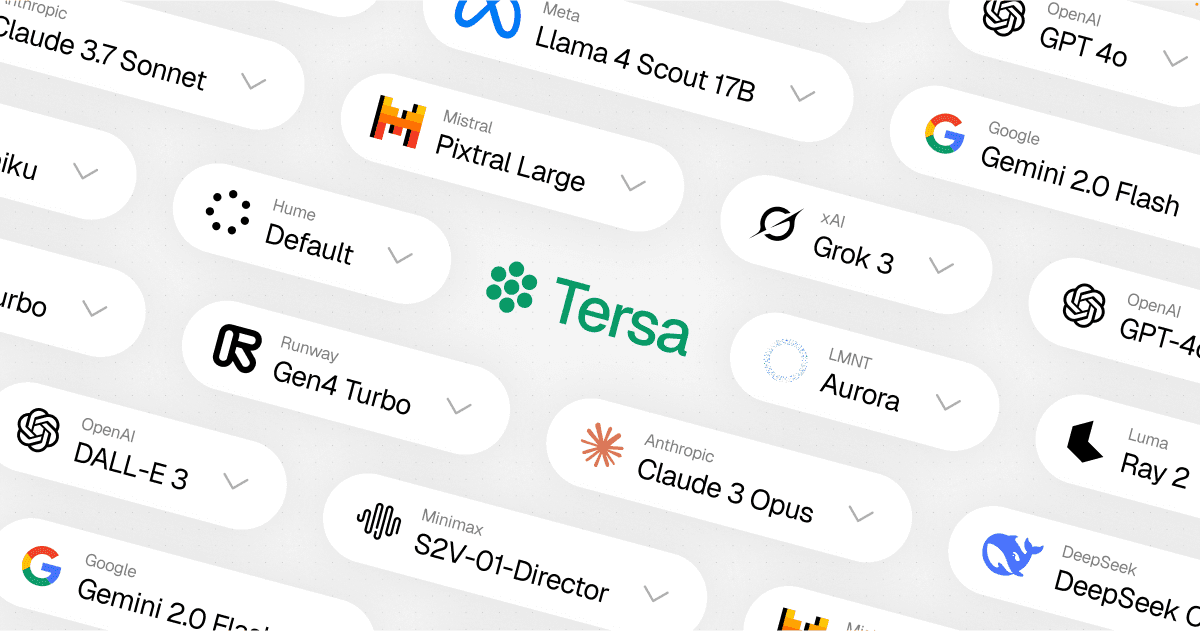
Tersa
A visual AI playground. Drag, drop, connect and run nodes to build AI workflows powered by the Vercel AI SDK Gateway.
Features
- Visual Workflow Builder: Create AI workflows by connecting nodes in a drag-and-drop canvas
- Multi-Model Support: Access text, image and video models from 25+ providers through Vercel AI SDK Gateway
- Cost Indicators: See relative pricing across models at a glance
- Reasoning Extraction: View model reasoning for supported providers
- Streaming Responses: Real-time text generation with streaming support
- Local Storage: Canvas state persists in the browser automatically
Technologies
- Next.js 15 with App Router and Turbopack
- React 19
- Vercel AI SDK with AI SDK Gateway
- Vercel Blob for media storage
- ReactFlow for the visual canvas
- TipTap for rich text editing
- Tailwind CSS for styling
- shadcn/ui, Kibo UI and Radix UI for UI components
Getting Started
Prerequisites
- Node.js (v20+)
- PNPM package manager
Installation
-
Clone the repository
git clone https://github.com/vercel-labs/tersa.gitcd tersa -
Install dependencies
pnpm install -
Create a
.env.localfile with your AI SDK Gateway credentials and any provider API keys you want to use. -
Run the development server
pnpm dev -
Open http://localhost:3000 in your browser
Usage
- Add nodes to the canvas using the toolbar
- Connect nodes by dragging from one node's output to another's input
- Select a model from any supported provider
- Run your workflow to process data through the AI models
License
This project is licensed under the MIT License - see the LICENSE file for details.
Made with ❤️ and 🤖 by Hayden Bleasel.
